
Skip to content
New 50 professionally designed WordPress templates — demo content in 15 languages, one click
eCommerce Infinity

A ready online store in minutes — right inside cPanel.

Pick a platform, choose a domain and folder: eCommerce Infinity creates the database, installs the official release and — for 7 platforms — adds a designed home page, a demo catalogue, themes and configured extensions, in Arabic and English.

  • 17 store platforms
  • 7 Ready Packs
  • 6 languages + RTL
  • Signed packages
cPanel › eCommerce Infinity
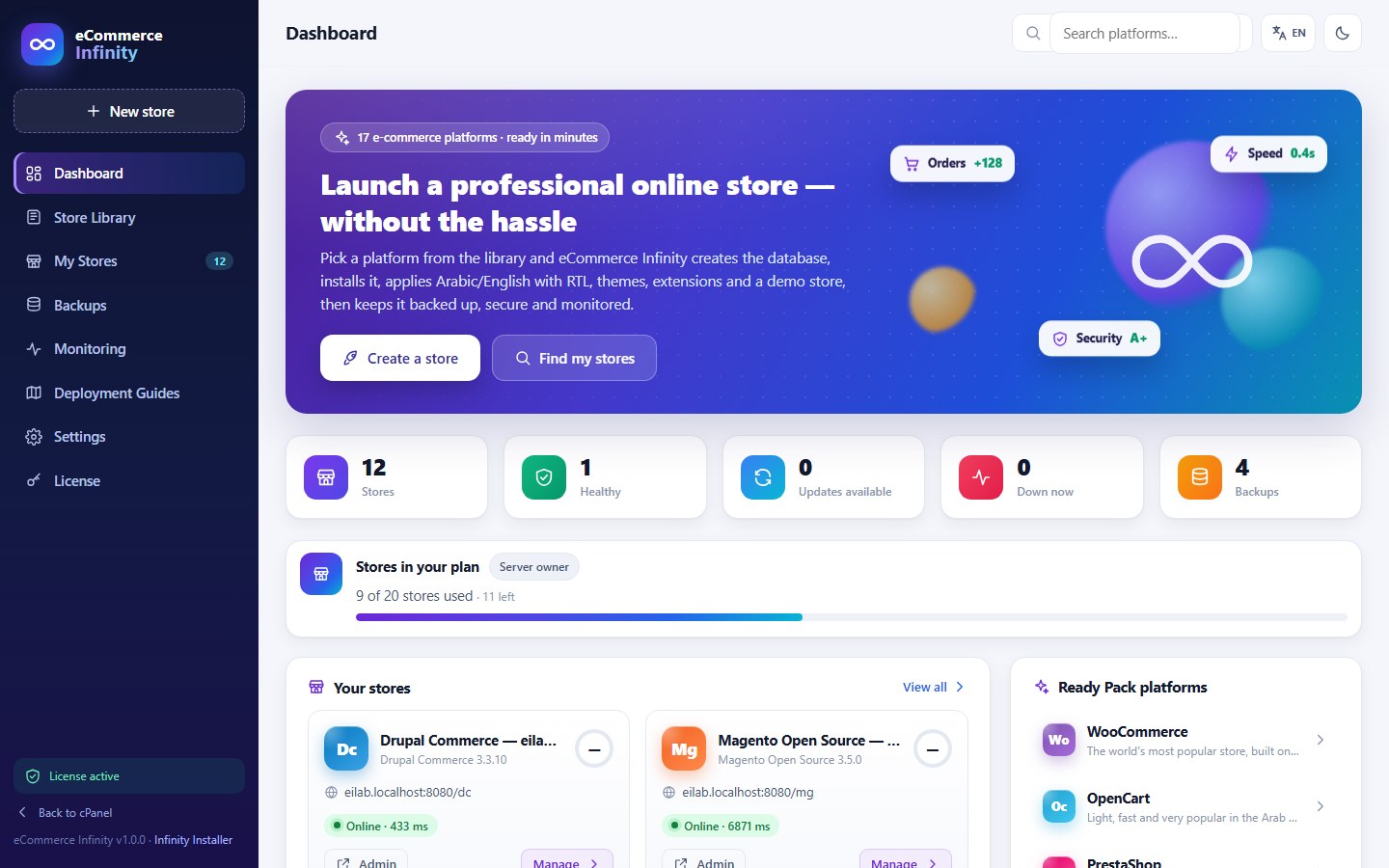
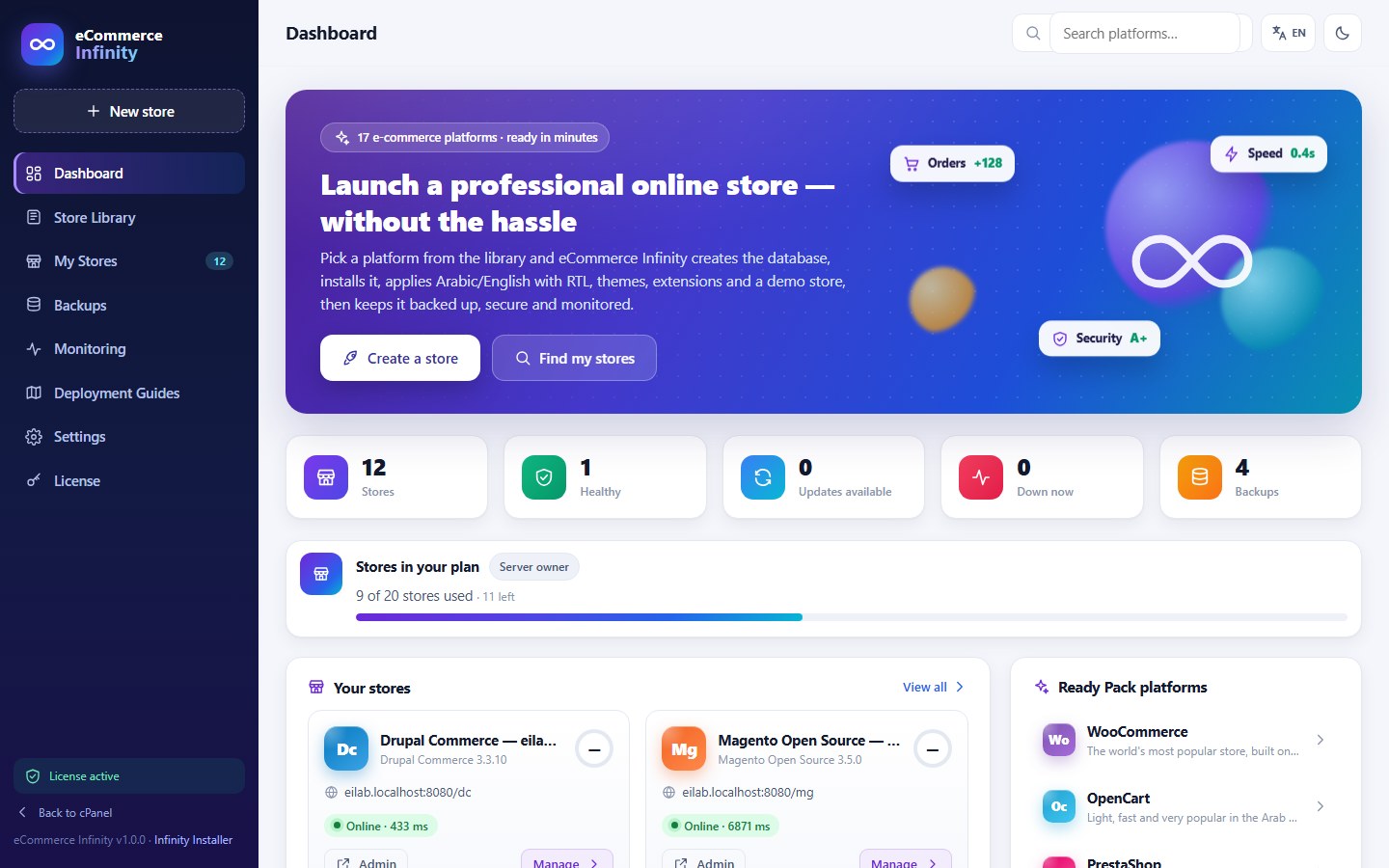
Dashboard: stores, plan usage and alerts

17

e-commerce platforms

7

complete Ready Packs

6

interface languages

2

editions: cPanel and WHM

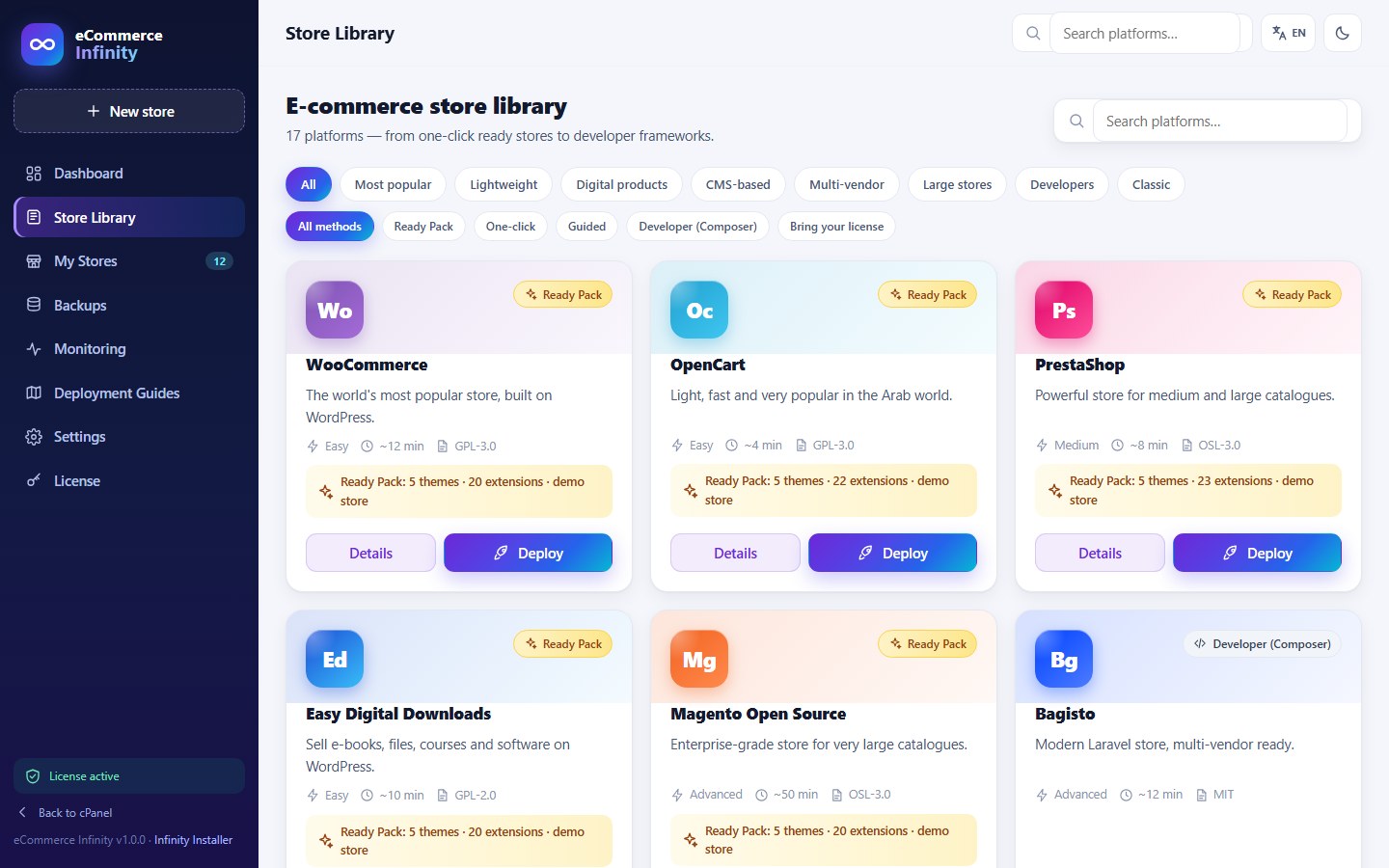
Store library

17 e-commerce platforms in one library

Every platform comes with exact deployment steps; the main ones install in one click, with automatic rollback if anything fails.

  • WO WooCommerce Ready Pack
  • OP OpenCart Ready Pack
  • PR PrestaShop Ready Pack
  • EA Easy Digital Downloads Ready Pack
  • JO Joomla + VirtueMart Ready Pack
  • MA Magento Open Source (Mage-OS) Ready Pack
  • DR Drupal Commerce Ready Pack
  • AB AbanteCart One-click
  • LI LiteCart One-click
  • ZE Zen Cart Guided
  • CU CubeCart Guided
  • OS osCommerce Guided
  • JO Joomla + HikaShop Guided
  • SH Shopware 6 Composer
  • SY Sylius Composer
  • BA Bagisto Composer
  • CS CS-Cart Your package

Ready Pack: one-click install with design and demo data. One-click: database, official package and hardening. Guided: files and database prepared, then the web installer. Composer: automatic when Composer is available, otherwise the exact commands. CS-Cart is commercial software — you upload your own licensed package.

Infinity Ready Pack

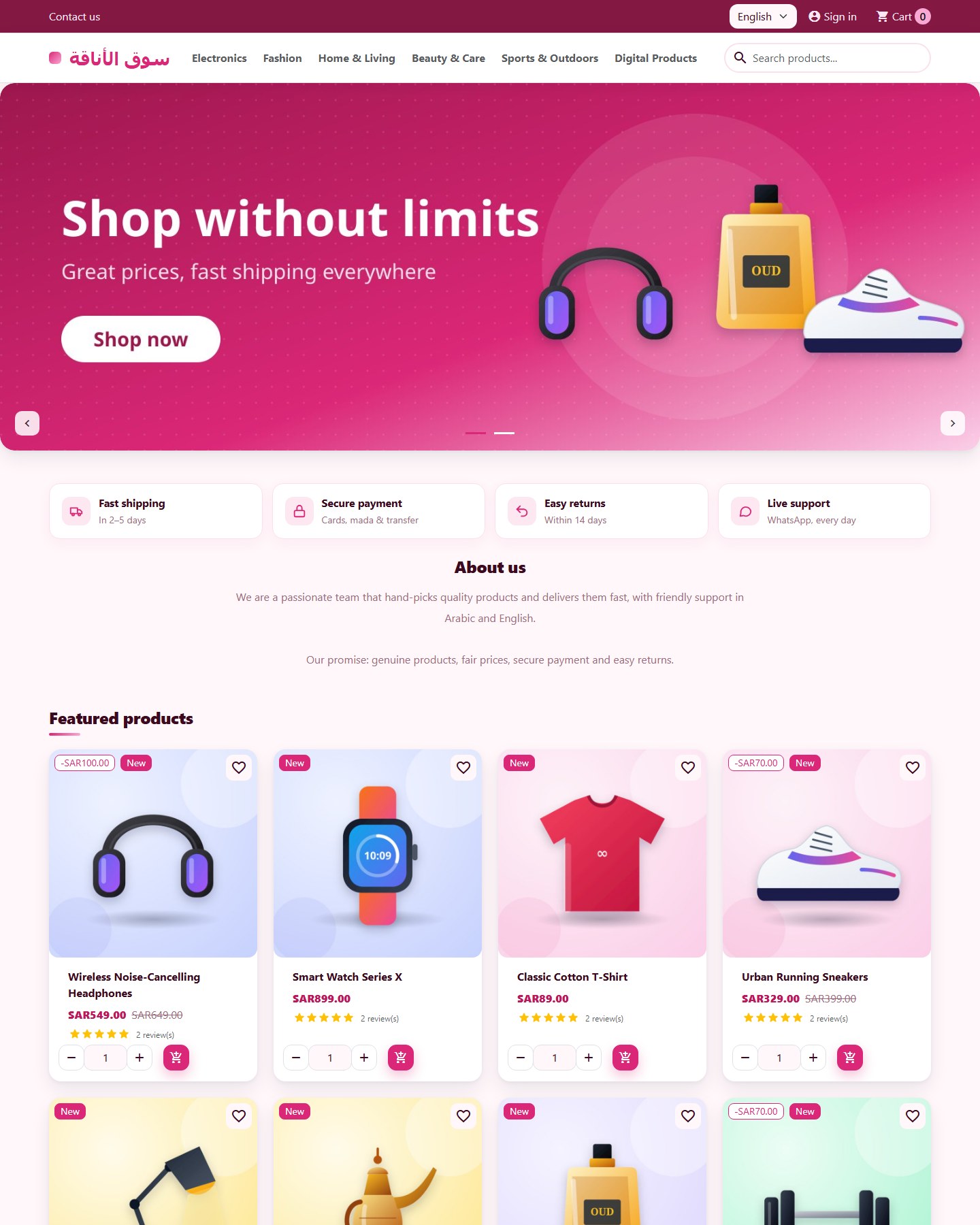
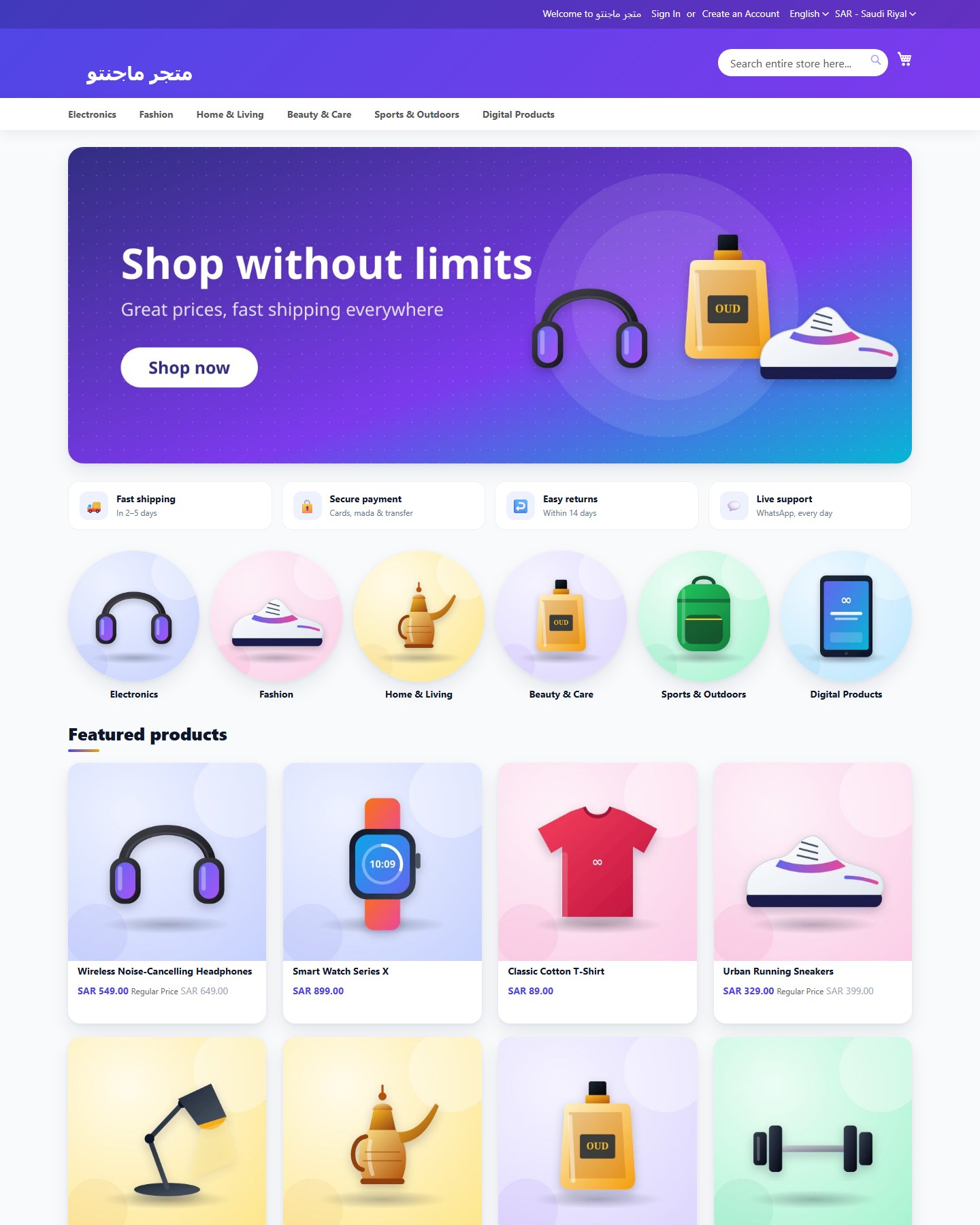
A store that is ready to sell — on 7 platforms

The Ready Pack turns a fresh install into a finished bilingual store, so your customer starts from a real shop instead of an empty one.

  • WooCommerce
  • OpenCart
  • PrestaShop
  • Easy Digital Downloads
  • Joomla + VirtueMart
  • Magento Open Source (Mage-OS)
  • Drupal Commerce

Designed home page

A finished storefront layout instead of the default theme page.

Demo catalogue

Bilingual products, categories, coupons and pages to edit or replace.

5 themes

Five themes installed, one of them active — switch any time.

20+ extensions

Configured e-commerce extensions: payments, shipping, SEO, multi-currency and more (per platform).

Arabic + English, RTL

Both languages set up, with right-to-left layout for Arabic.

Safe by default

Official packages verified, installer removed, config permissions fixed, rollback on failure.

After launch

Every store stays backed up, secure and up to date

The same tools work for stores created with eCommerce Infinity and for stores it finds on the account.

Requirements check

Per domain: PHP version and extensions, memory, disk, database and network — with one-click PHP switching.

Finds existing stores

Scans the account and shows each store with its platform, version and database.

Backups with verified restore

Files and database with checksums, a safety backup before every restore and every update.

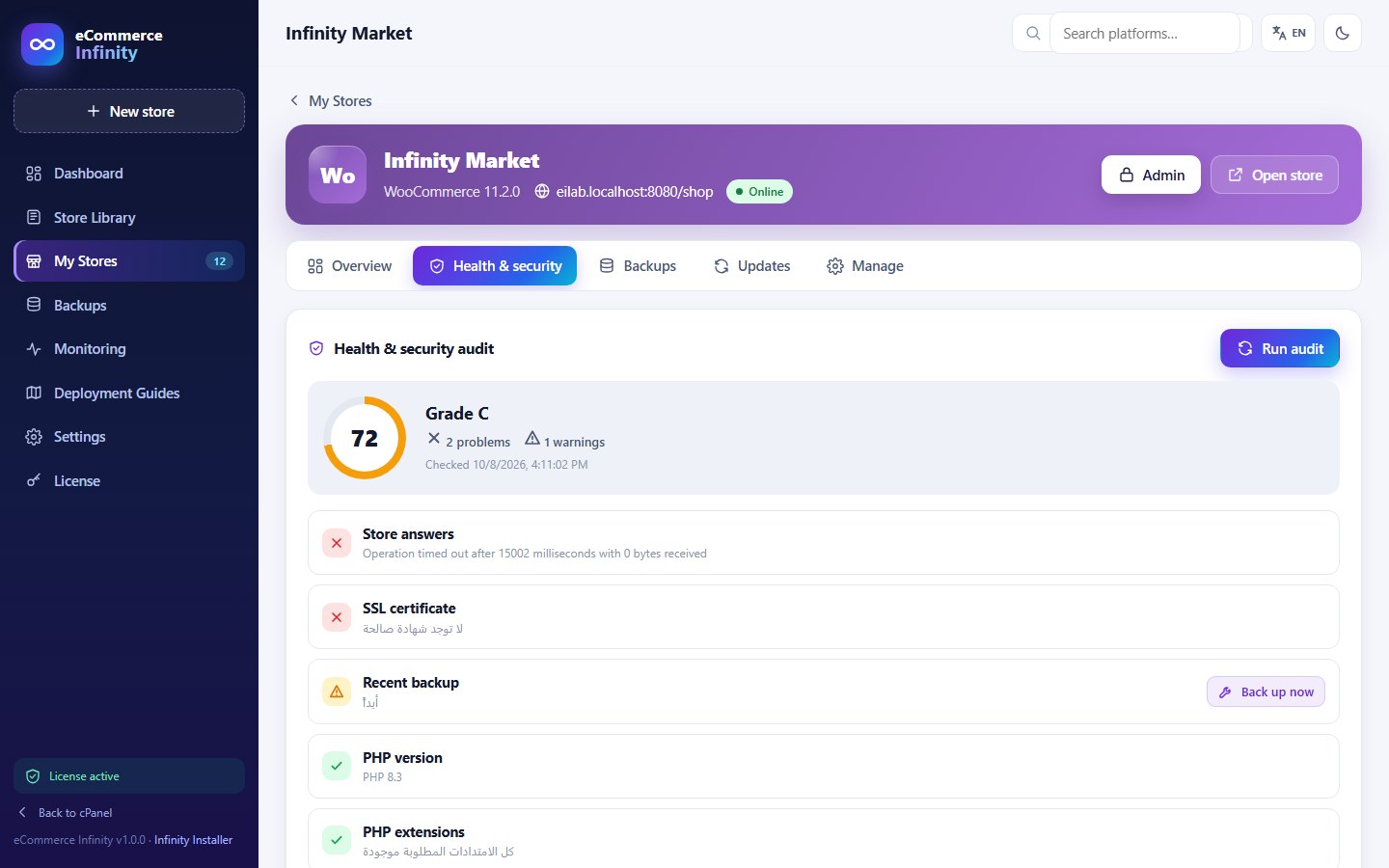
Health & security audit

A score per store and one-click fixes: installer leftovers, permissions, exposed files, debug mode, old PHP.

Monitoring

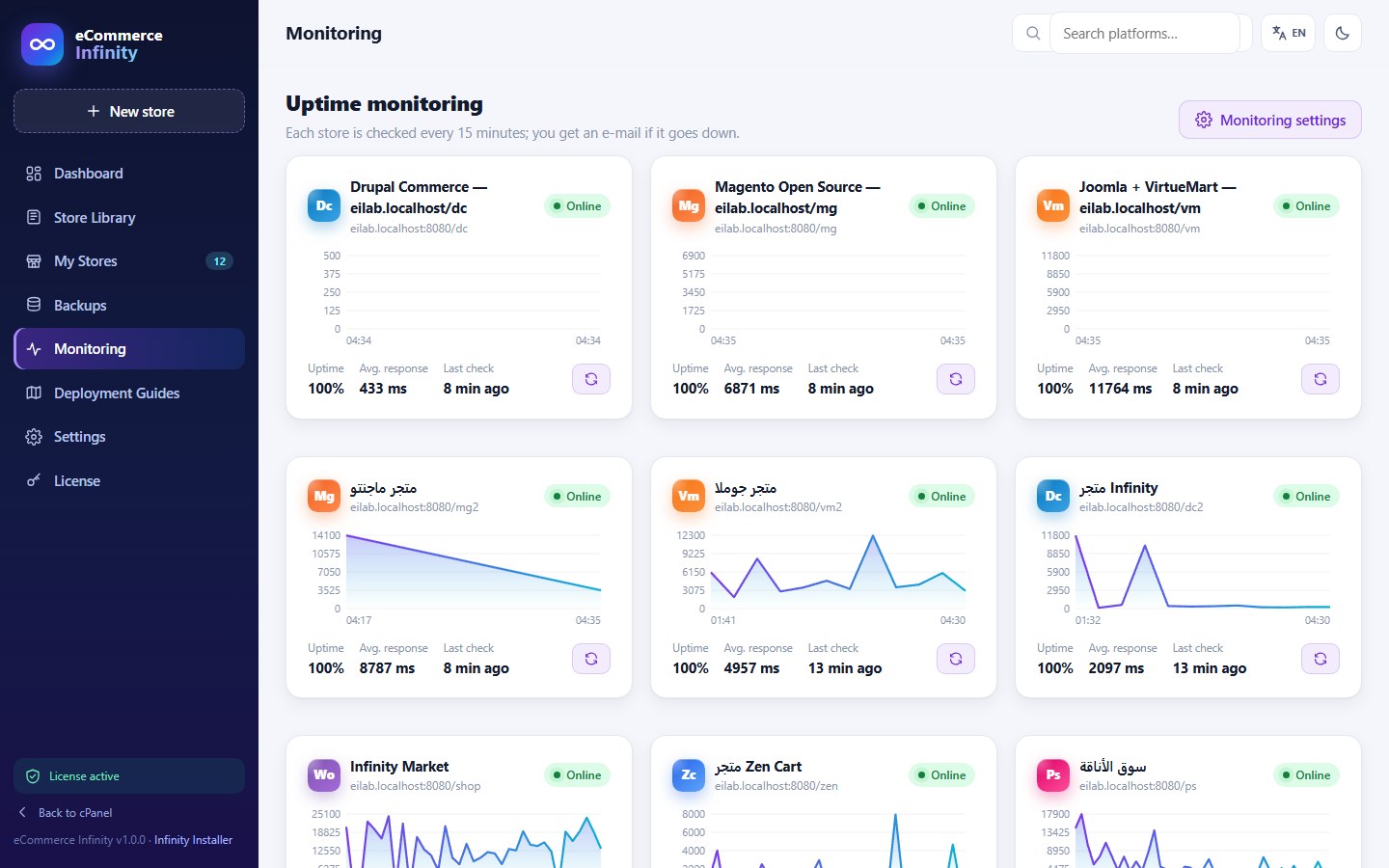
Uptime and response time, e-mail alerts on down and recovery, certificate expiry and new-version alerts.

Safe updates

WooCommerce and Easy Digital Downloads: backup, update, check, automatic rollback. Other platforms: version alerts and guided steps.

Languages

An interface in 6 languages, with full RTL

In cPanel and WHM, with dark mode and a mobile layout.

  • English en
  • العربية RTL
  • Français fr
  • Español es
  • Deutsch de
  • Türkçe tr
Screenshots

See eCommerce Infinity at work

Real screenshots of the plugin and of stores built with the Ready Pack.

Dashboard: stores, plan usage and alerts
The store library
The store library
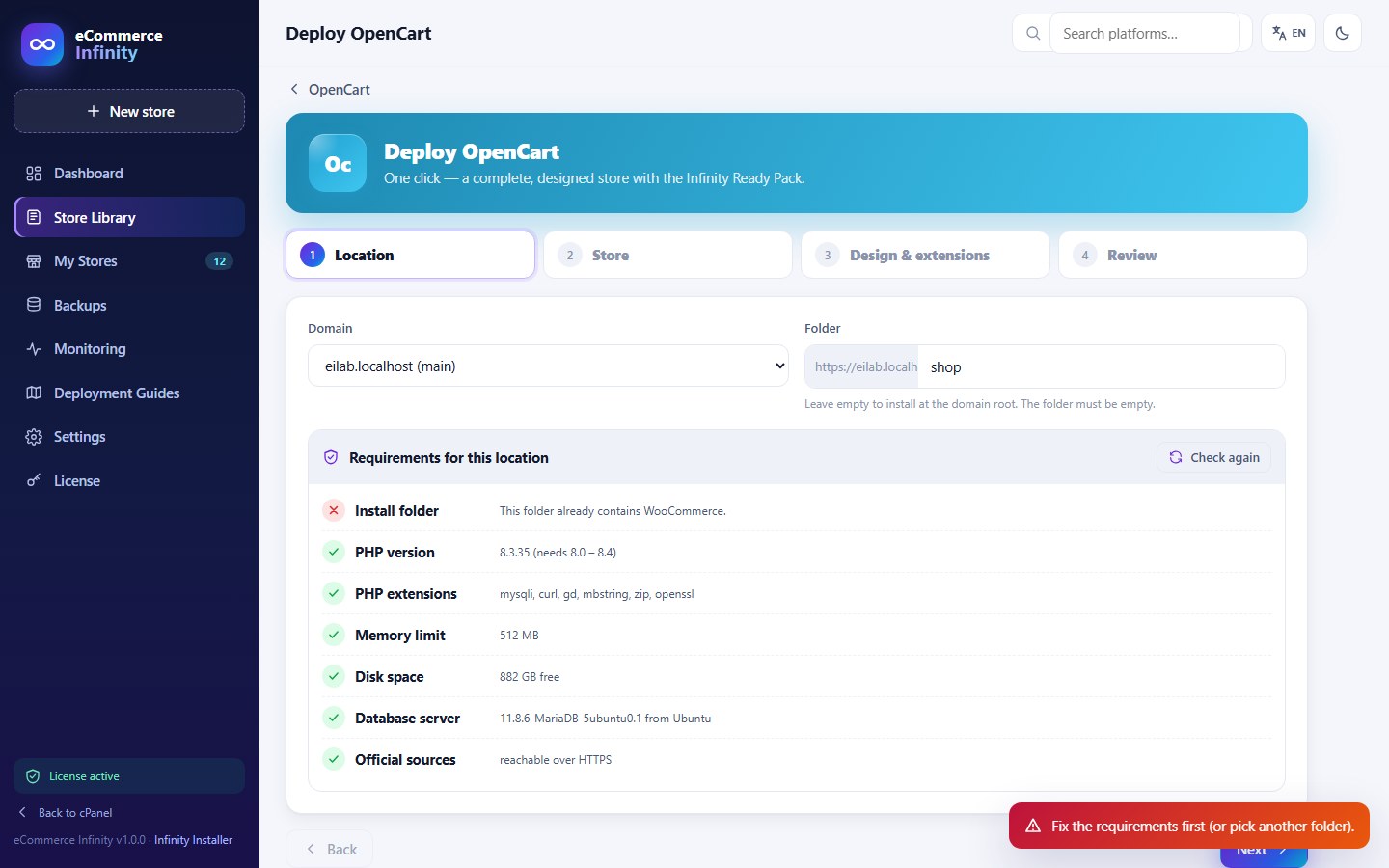
Install wizard: choose the Ready Pack
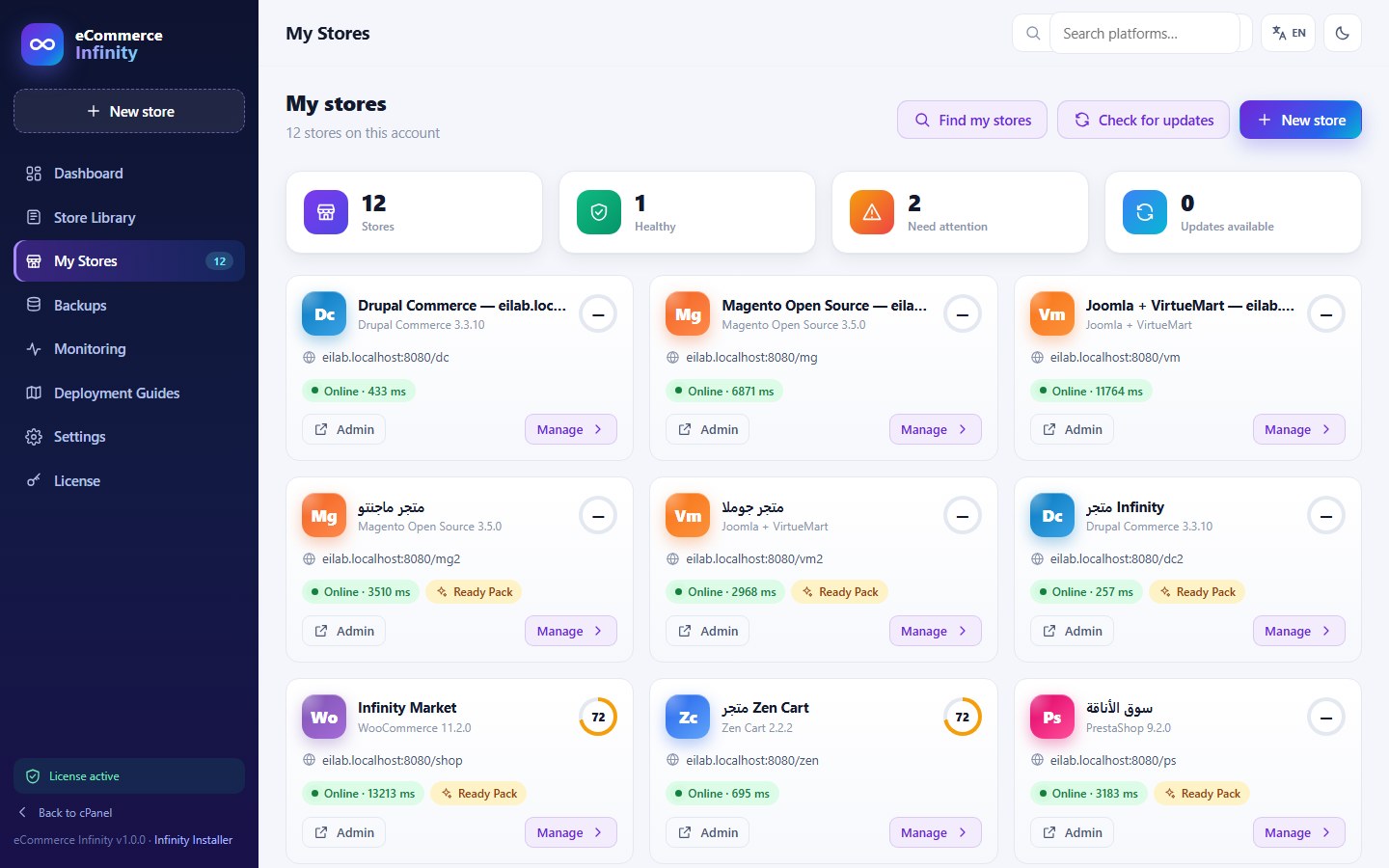
My stores
My stores
Health & security audit
Uptime monitoring
Uptime monitoring
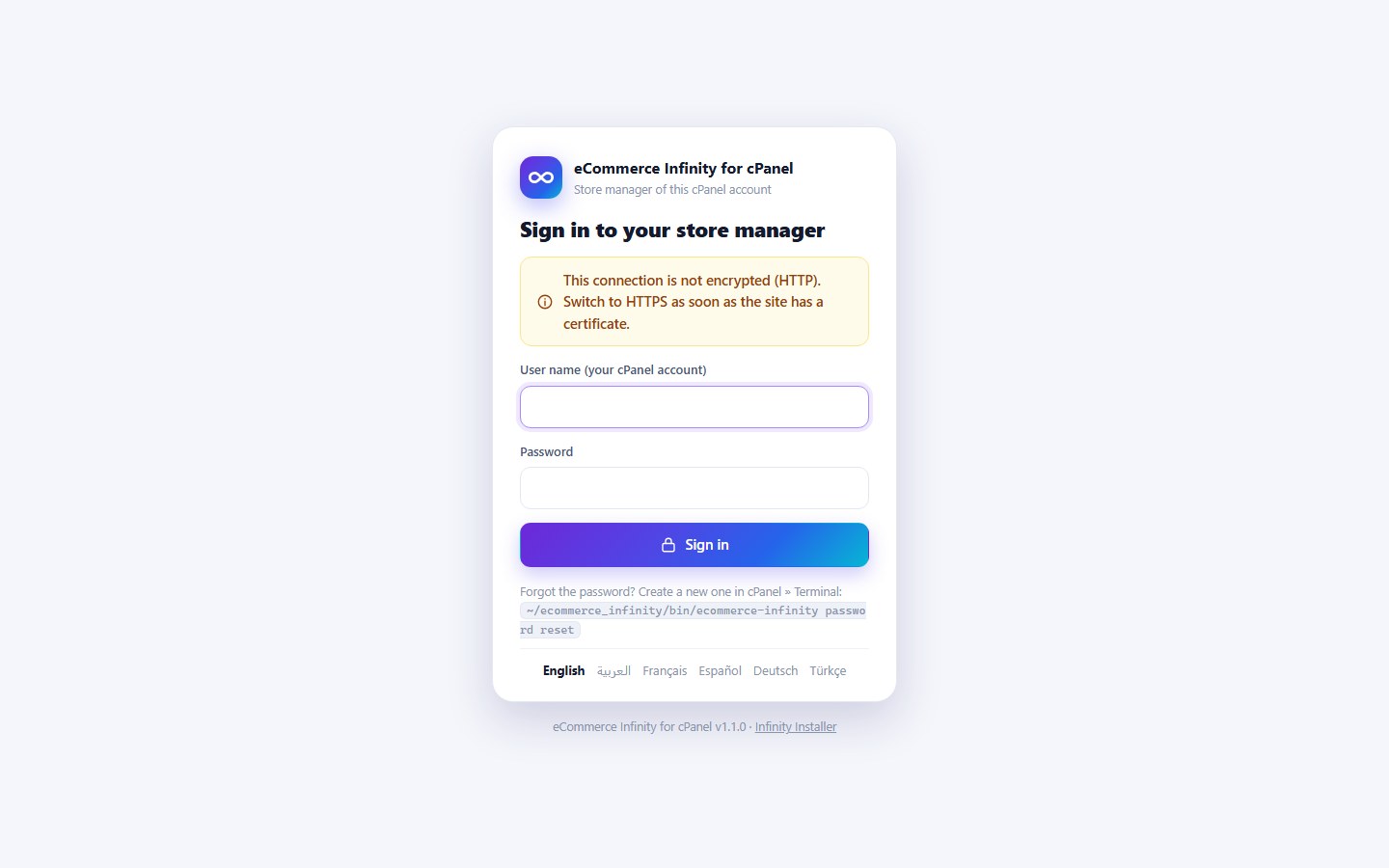
cPanel edition: its own protected sign-in inside your account
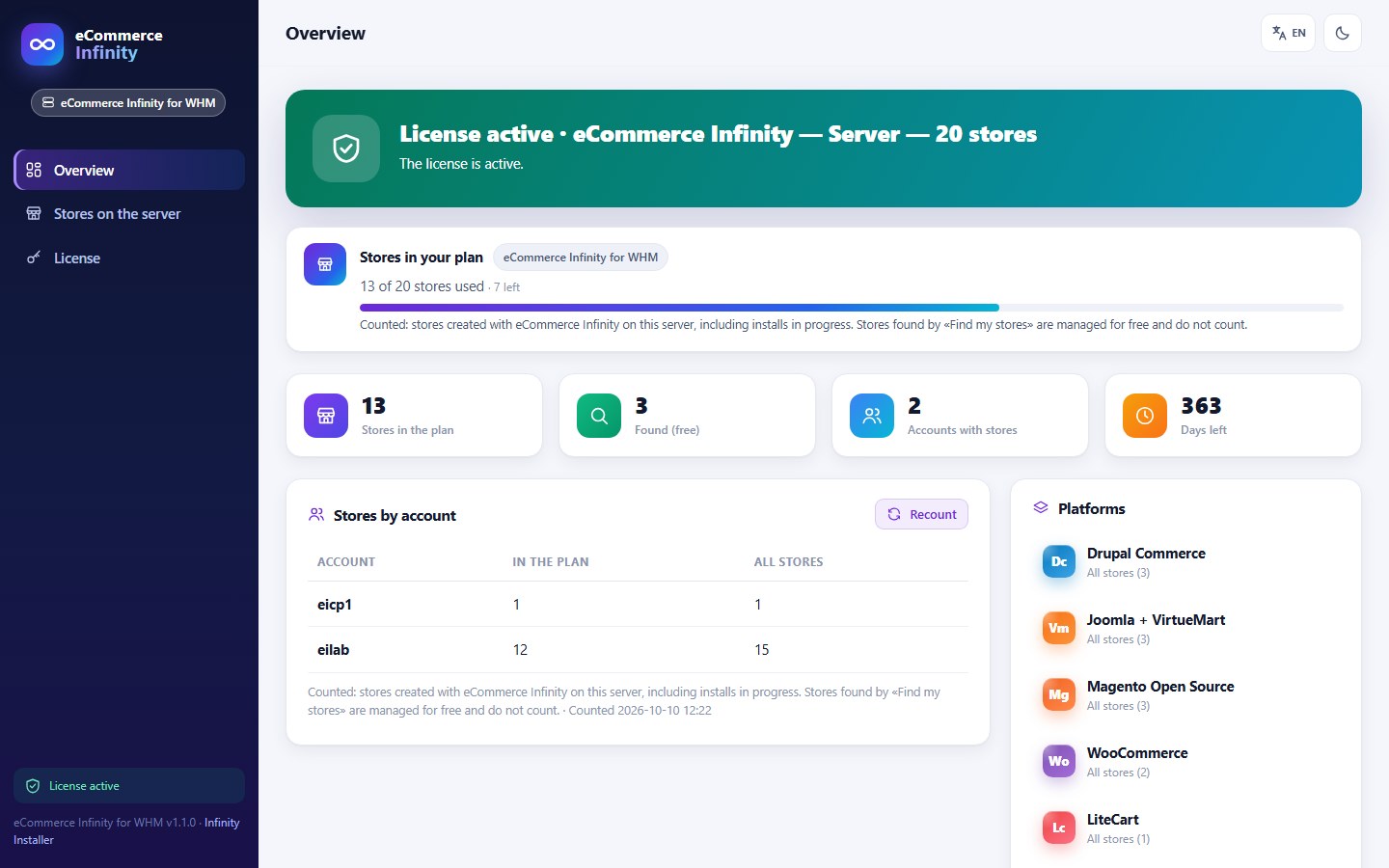
WHM page: license and plan usage
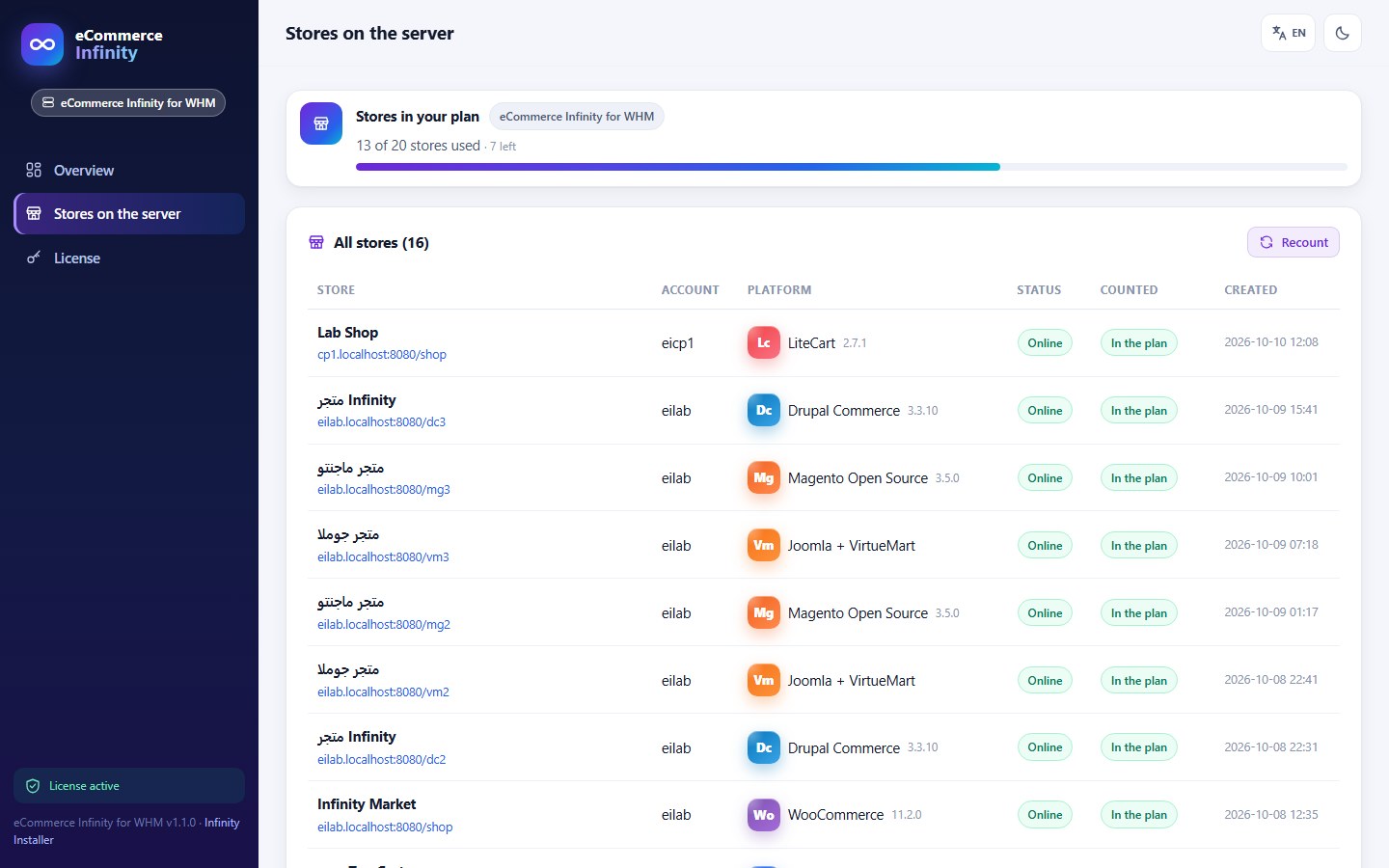
WHM page: every store on the server
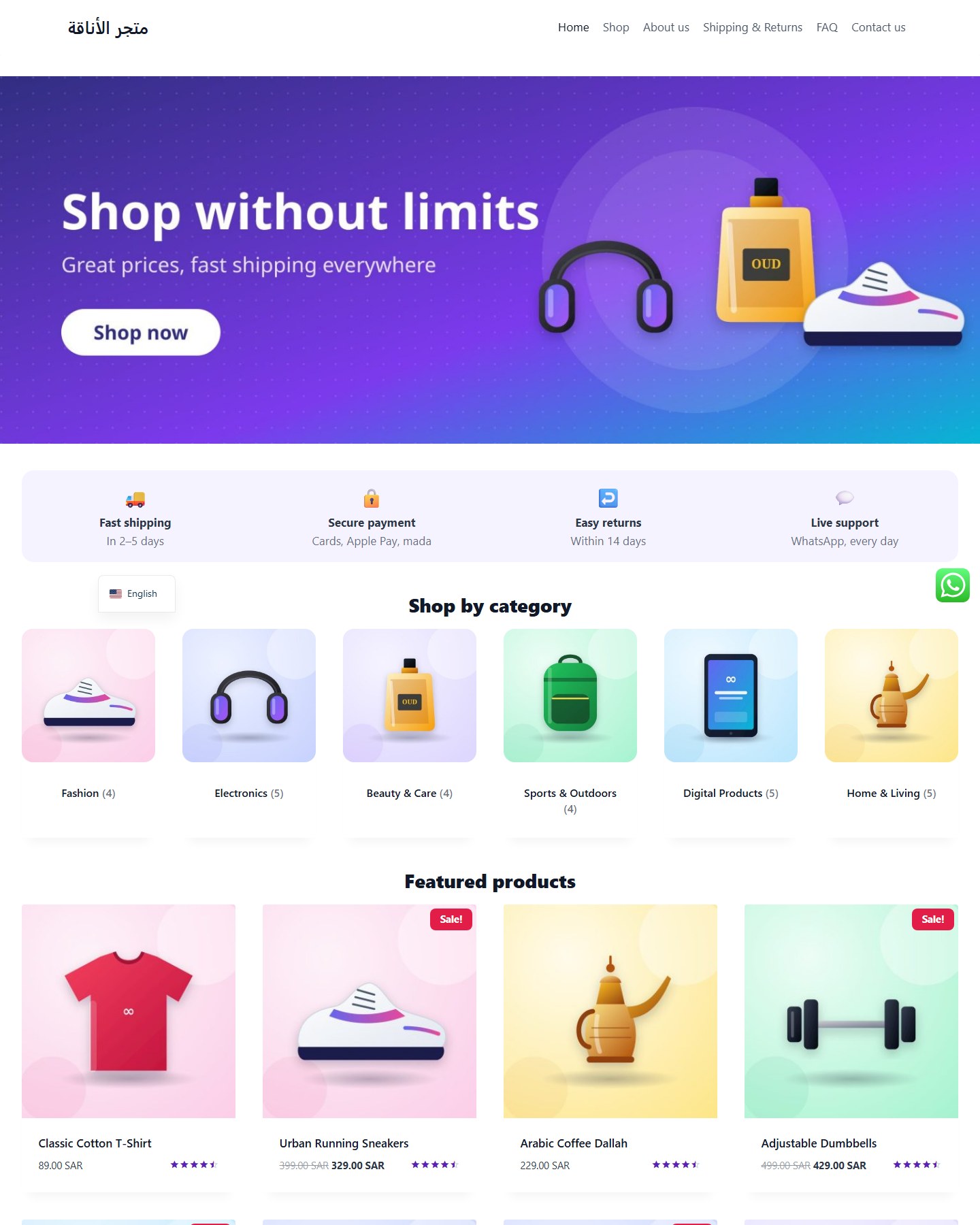
WooCommerce store with the Ready Pack
OpenCart store with the Ready Pack
PrestaShop store with the Ready Pack
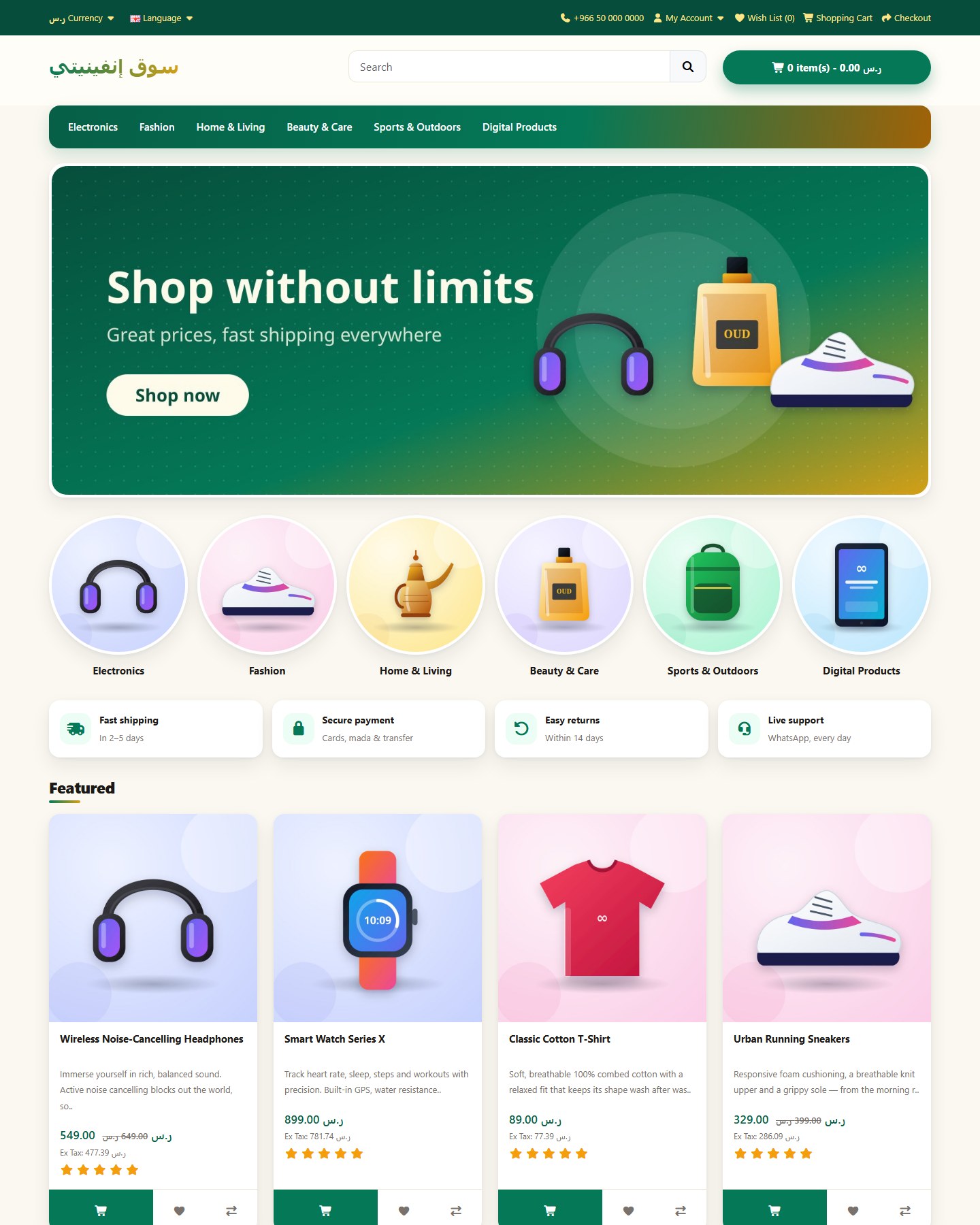
Magento store with the Ready Pack
Two editions

For one site — or for a whole server

The same plugin in two editions with their own licenses: a key of one edition does not work on the other.

cPanel edition

eCommerce Infinity for cPanel

For a site owner: install it inside your own cPanel account — no root needed — launch your store in minutes.

For
Site owners
Installation
Installs inside one cPanel account, from cPanel » Terminal — no root
License
License bound to your site's domain
Stores
Your plan sets how many stores the account can create
Management
Everything from your own account — no server access needed
License key
CPANEL-ECOMMERCE-XXXXX-XXXXX-XXXXX-XXXXX-XXXXX

Run in cPanel » Terminal (as the account user)

$ wget -O cpanel-install.sh https://www.infinityinstaller.com/ecommerce-Infinity/cpanel-install.sh && bash cpanel-install.sh


WHM edition

eCommerce Infinity for WHM

For a server owner: one root install gives every cPanel account on the server its own store library.

For
Server owners and hosting companies
Installation
Root install over SSH, for every cPanel account on the server
License
License bound to your server
Stores
Your plan sets how many stores all accounts on the server can create
Management
A WHM page with the license, the plan usage and every store by account
License key
WHM-ECOMMERCE-XXXXX-XXXXX-XXXXX-XXXXX-XXXXX

Run as root over SSH

# wget -O whm-install.sh https://www.infinityinstaller.com/ecommerce-Infinity/whm-install.sh && bash whm-install.sh
Plans

Plans by the number of stores

Choose the edition, then the plan. Stores that already existed on the account are managed for free and never count.

eCommerce Infinity for cPanel· Site owners

6-months

$99 / 6 months

  • Up to 2 stores
  • Ready Packs included
  • Up to 2 backups per store
  • Safe automatic updates
  • Uptime monitoring
  • License bound to your site's domain
Order now

12-months

$190 / year

  • Up to 2 stores
  • Ready Packs included
  • Up to 2 backups per store
  • Safe automatic updates
  • Uptime monitoring
  • License bound to your site's domain
Order now

eCommerce Infinity for WHM· Server owners and hosting companies

WHM-6Months-10

$300 / 6 months

  • Up to 10 stores
  • Ready Packs included
  • Up to 10 backups per store
  • Safe automatic updates
  • Uptime monitoring
  • License bound to your server
Order now

WHM-12Months-10

$600 / year

  • Up to 10 stores
  • Ready Packs included
  • Up to 10 backups per store
  • Safe automatic updates
  • Uptime monitoring
  • License bound to your server
Order now

At the limit no new store can be created until the plan is upgraded — existing stores keep their backups, monitoring and updates.

Questions

Frequently asked questions

Own a website on a cPanel account? Take eCommerce Infinity for cPanel — it installs inside your account without root. Run a server and want every cPanel account to get the store library? Take eCommerce Infinity for WHM.

Only for the WHM edition. The cPanel edition runs in cPanel » Terminal as the account user and refuses to run as root.

Stores created with eCommerce Infinity, including installs in progress. Stores it finds already on the account are managed for free and never count.

No new store can be created until you upgrade; existing stores keep their backups, monitoring, health checks and updates.

WooCommerce, OpenCart, PrestaShop, Easy Digital Downloads, Joomla + VirtueMart, Magento Open Source (Mage-OS) and Drupal Commerce. The other platforms install in one click, with guided steps or with Composer commands.

No. Each edition is its own product: a cPanel-edition key (CPANEL-ECOMMERCE-…) does not work on the WHM edition (WHM-ECOMMERCE-…), and vice versa.

The Ready Packs install the payment extensions of each platform; electronic payments (mada, Apple Pay, STC Pay, cards …) are switched on with the merchant's own account at the payment provider.

Give your customers a store that is ready to sell

Choose the edition, order a plan and install with one command.